This post contains affiliate links. As an Amazon Associate, bananfew earns from qualifying purchases. See the affiliate disclosure.
If you plan to save “whatever’s left” at the end of the month, there’s usually nothing left. The easier way is to automate your savings, so the money moves before you have a chance to spend it.
Key takeaways
- Automatic saving means money goes to savings on a schedule, without you remembering to move it.
- The two simplest setups are a split direct deposit through work or a recurring transfer from your bank.
- Start with a small amount you won’t miss, then raise it when your income goes up.
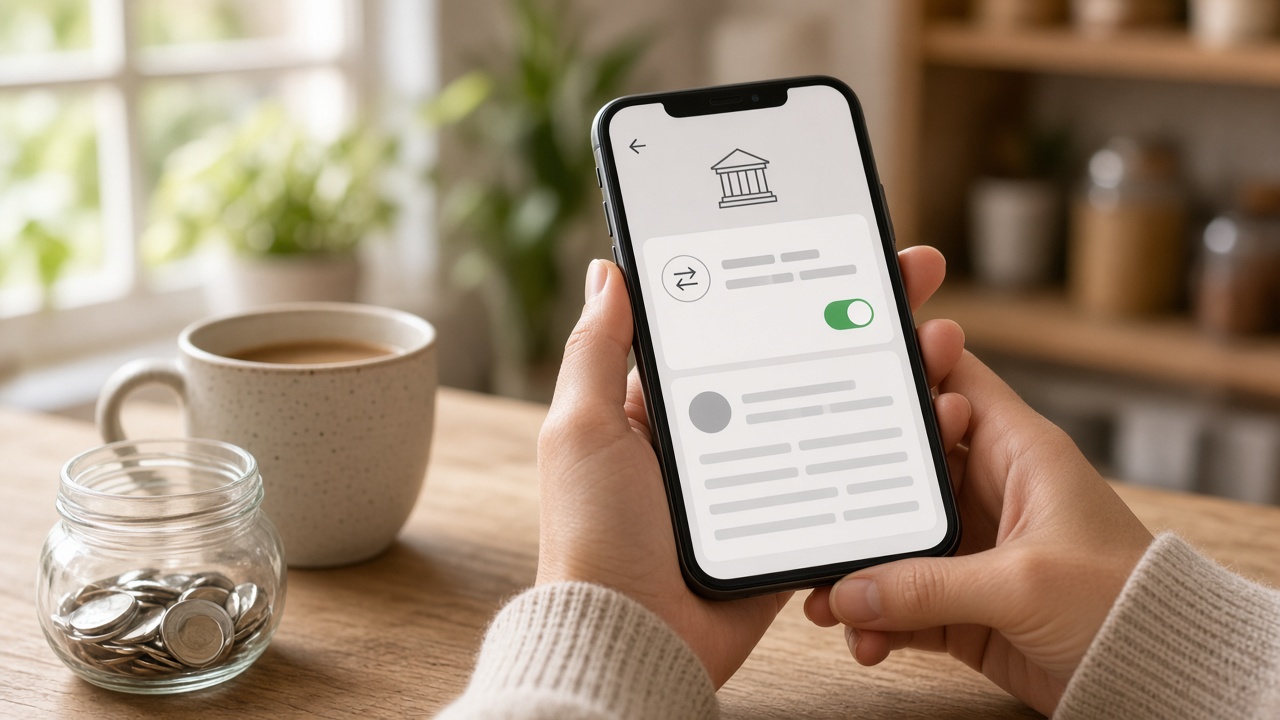
Why Pay Yourself First Works
“Pay yourself first” means savings comes out of your paycheck first, like a bill, instead of last. You then spend what’s left in checking.
The Consumer Financial Protection Bureau calls automatic saving one of the easiest ways to make saving consistent, because once it’s set up, you keep contributing without thinking about it (CFPB).
Here’s a simple example with made-up numbers. Moving $25 every payday on a two-week schedule adds up to $650 in a year, before any interest. You didn’t have to decide to save 26 separate times.
Option 1: Split Your Direct Deposit
If you get paid by direct deposit, you may be able to send part of each paycheck straight to savings. The CFPB notes your employer has to offer both direct deposit and the option to split it between accounts (CFPB).
How to set it up:
- Check your payroll portal or ask HR. Many payroll systems let you add a second account yourself. Some use a form.
- Have your savings routing and account numbers ready. They’re in your bank’s app or on its website.
- Pick a fixed dollar amount or a percent. A fixed amount is easier to plan around at first.
- Watch your next paycheck. Changes can take a pay period or two to kick in, so confirm the split landed where you expected.
This is the most hands-off option, since the money never sits in checking where it’s easy to spend.

Option 2: Set Up a Recurring Transfer
If your job doesn’t offer split deposits, or your income comes from side work, use a recurring transfer. Most banks and credit unions let you schedule one from checking to savings in their app.
A few tips to make it work:
- Schedule it a day or two after payday. That gives your paycheck time to post first.
- Match how often you get paid. Weekly pay, weekly transfer. Twice a month, twice a month.
- Watch your balance. The CFPB warns that a transfer can cause an overdraft if checking runs low, so set a low-balance alert or a calendar reminder.
If your income changes from month to month, start with a smaller transfer. You can always move extra over by hand in a good month.
Keeping the date in one place helps. A simple bill calendar works well for paydays, bills, and transfer dates.

How Much to Save When You Automate Your Savings
Pick an amount that feels almost too small. If $20 a paycheck is what fits, start there. A small transfer you keep is better than a big one you cancel next month.
Then give the money a job. Good first targets:
- A starter emergency fund. Here’s how to build your first $1,000 emergency fund, plus a free emergency fund tracker to see your progress.
- Sinking funds. Set aside a little each month for known costs like car repairs or gifts. This guide to sinking funds shows how.
- Investing later. Once you have a cushion, you can automate investing too. See how to start investing with $50 a month.
For savings you might need soon, keep it in a separate savings account at a bank or credit union. Check that it’s federally insured, by the FDIC for banks or the NCUA for credit unions. A separate account also makes the money a little harder to spend on a whim.
If you’d like to go deeper on putting your money on autopilot, Ramit Sethi’s book I Will Teach You to Be Rich spends a good chunk of time on automating savings and bills.
Keep It Going
Automation works best when you check on it now and then. A quick weekly money check-in is enough to catch a missed transfer or a low balance.
When you get a raise, bump your transfer up by part of it before you get used to the bigger paycheck. You’ll still feel the raise, and your savings grow faster.
This post is for general education, not personal financial advice. Check your bank’s and employer’s own rules before you set anything up.
Your Start-Today Checklist
- Open or pick a separate savings account.
- Check whether your payroll lets you split direct deposit.
- If not, schedule a recurring transfer a day or two after payday.
- Choose a small amount you won’t miss.
- Give the money a job, like a starter emergency fund.
- Set a low-balance alert on checking.
Set up one automatic transfer today, even a small one. Future you will be glad the decision is already made.
Leave a Reply